In an effort to improve unit and integration test feedback, I sought a way to post build information to a #builds Slack channel. Jenkins has an extensive third-party plugin library, but the Slack plugin, slackSend, is limited — it can only write to the message area:
slackSend color: 'good', message: 'Test message!', channel: '#builds'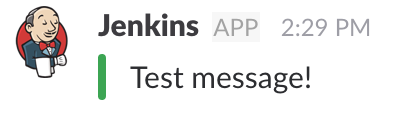
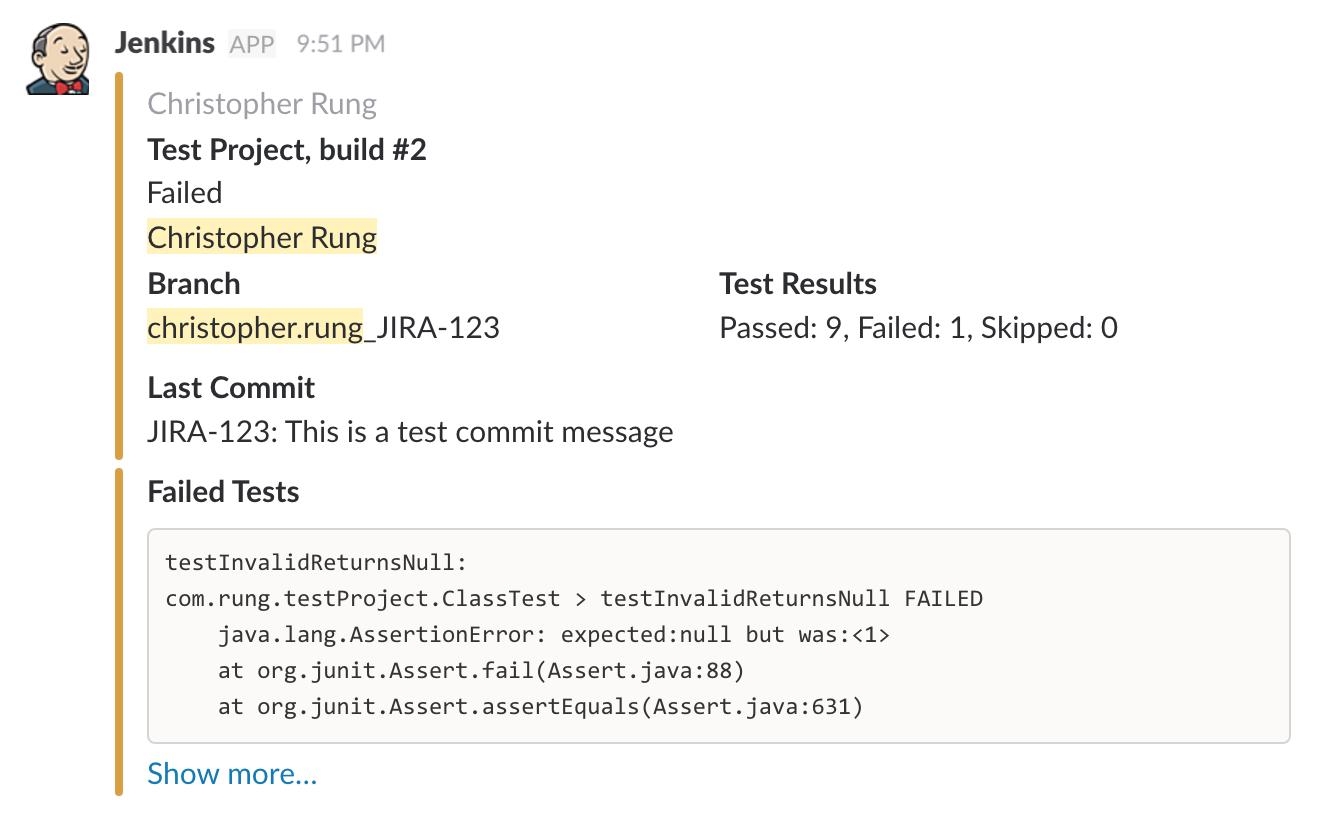
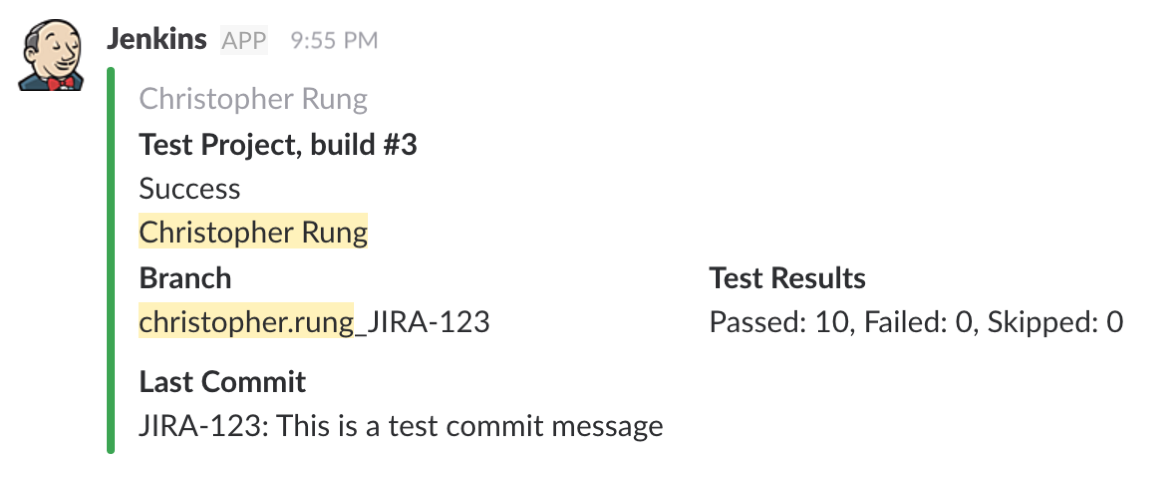
Using a Slack incoming webhook and Jenkins Pipeline, I was able to achieve rich build notifications including commit author, build status, branch info, test results, commit message, and failed test stacktraces.
Slack Webhook Setup
Visit http://[your-team].slack.com/apps, search for "incoming webhooks," and click the first result. Choose the channel that the webhook should post to and click "Add Incoming WebHooks Integration."
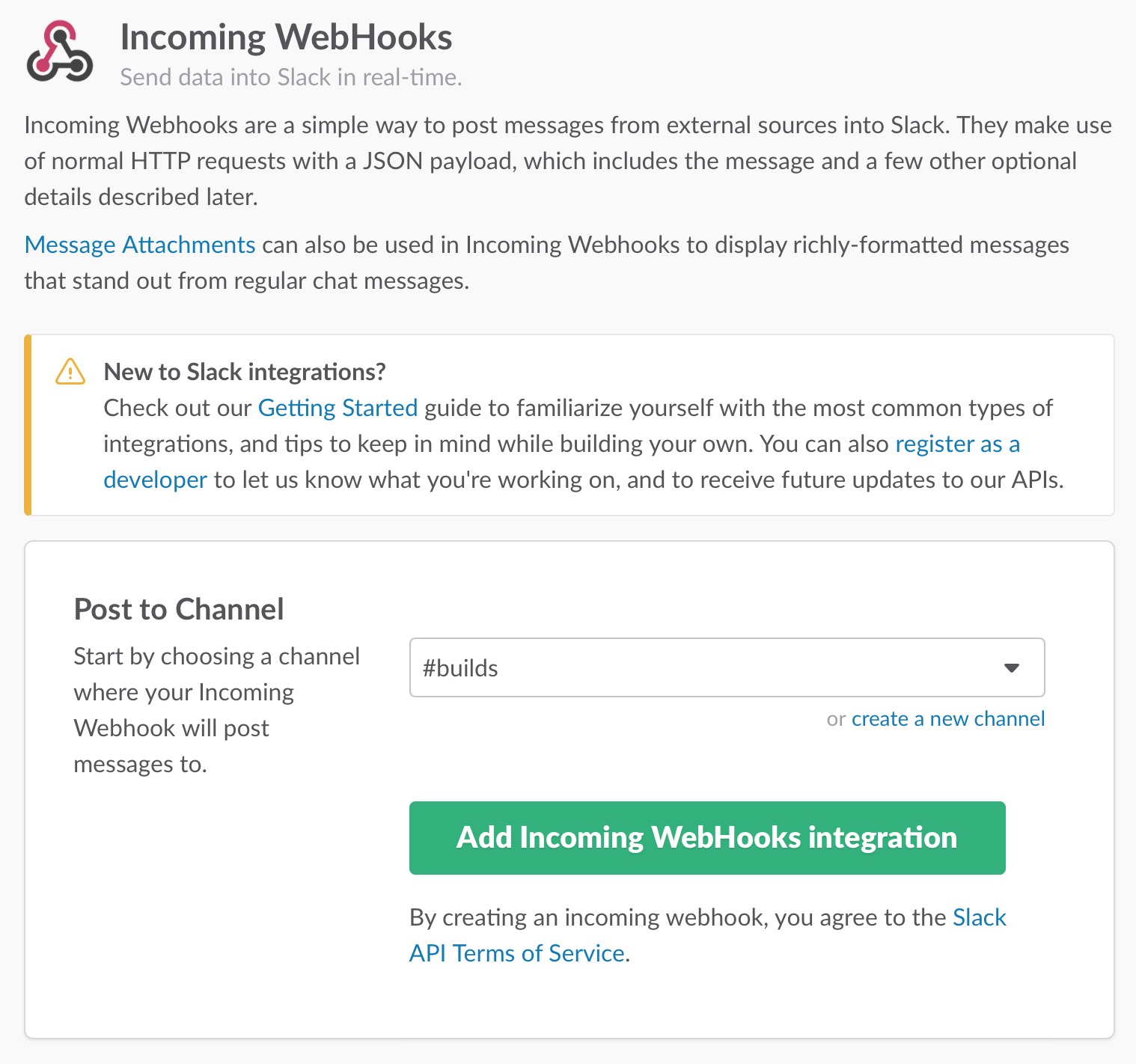
Copy the webhook URL from the next page, click "Save Settings," and verify the confirmation message appears in your #builds channel.

Install Jenkins
I run Jenkins in a Docker container. Get it running on port 8080:
$ docker pull jenkins
$ docker run -p 8080:8080 -p 50000:50000 jenkins
Get the initial admin password:
docker exec [CONTAINER_NAME] cat /var/jenkins_home/secrets/initialAdminPasswordCreate a Jenkins Pipeline Project
Click "New Item," give the job a name, select Multibranch Pipeline, and click OK. Add a source and enter your repository information. The pipeline is stored in a Jenkinsfile in the project root.
Test Connectivity
Add a Jenkinsfile to your project root with the following, replacing [CHANNEL_NAME] and [SLACK_WEBHOOK_URL]:
#!/usr/bin/env groovy

import groovy.json.JsonOutput

def slackNotificationChannel = '[CHANNEL_NAME]'

def notifySlack(text, channel, attachments) {
    def slackURL = '[SLACK_WEBHOOK_URL]'
    def jenkinsIcon = 'https://wiki.jenkins-ci.org/download/attachments/2916393/logo.png'

    def payload = JsonOutput.toJson([text: text,
        channel: channel,
        username: "Jenkins",
        icon_url: jenkinsIcon,
        attachments: attachments
    ])

    sh "curl -X POST --data-urlencode \'payload=${payload}\' ${slackURL}"
}

node {
    stage("Post to Slack") {
        notifySlack("Success!", slackNotificationChannel, [])
    }
}
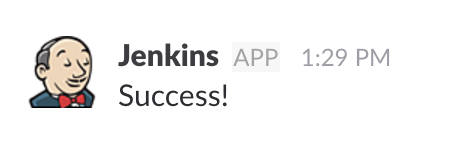
If all went well, you'll see a message in Slack:
Jenkins Environment Variables
Jenkins provides environment variables you can use to populate messages. Variables I use:
env.JOB_NAMEenv.BUILD_NUMBERenv.BUILD_URLenv.GIT_BRANCH
Shell-Based Attachments
Other info — like git author and test results — isn't directly available. We use helper methods with global variables.
git Author
def author = ""

def getGitAuthor = {
    def commit = sh(returnStdout: true, script: 'git rev-parse HEAD')
    author = sh(returnStdout: true, script: "git --no-pager show -s --format='%an' ${commit}").trim()
}
Last Commit Message
def message = ""

def getLastCommitMessage = {
    message = sh(returnStdout: true, script: 'git log -1 --pretty=%B').trim()
}
@NonCPS Attachments
The @NonCPS annotation is needed for methods that use non-serializable objects. First, add a Build stage to run tests and archive results:
stage("Build") {
    sh "./gradlew clean build"
    step $class: 'JUnitResultArchiver', testResults: '**/TEST-*.xml'
}
Then query results via AbstractTestResultAction:
Test Summary
@NonCPS
def getTestSummary = { ->
    def testResultAction = currentBuild.rawBuild.getAction(AbstractTestResultAction.class)
    def summary = ""

    if (testResultAction != null) {
        total = testResultAction.getTotalCount()
        failed = testResultAction.getFailCount()
        skipped = testResultAction.getSkipCount()

        summary = "Passed: " + (total - failed - skipped)
        summary = summary + (", Failed: " + failed)
        summary = summary + (", Skipped: " + skipped)
    } else {
        summary = "No tests found"
    }
    return summary
}
Failed Tests
@NonCPS
def getFailedTests = { ->
    def testResultAction = currentBuild.rawBuild.getAction(AbstractTestResultAction.class)
    def failedTestsString = "```"

    if (testResultAction != null) {
        def failedTests = testResultAction.getFailedTests()

        if (failedTests.size() > 9) {
            failedTests = failedTests.subList(0, 8)
        }

        for(CaseResult cr : failedTests) {
            failedTestsString = failedTestsString + "${cr.getFullDisplayName()}:\n${cr.getErrorDetails()}\n\n"
        }
        failedTestsString = failedTestsString + "```"
    }
    return failedTestsString
}
Whitelisting Secured Methods
The first time this runs, you'll see an error like:
org.jenkinsci.plugins.scriptsecurity.sandbox.RejectedAccessException: Scripts not permitted to use method org.jenkinsci.plugins.workflow.support.steps.build.RunWrapper getRawBuildVisit http://jenkinsHost:port/scriptApproval/ and select Approve.
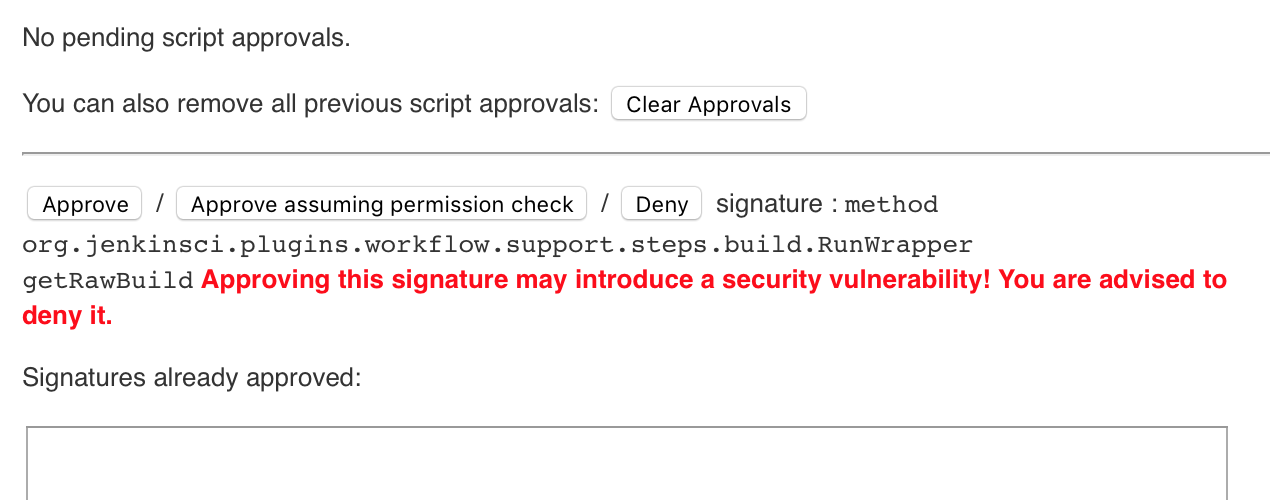
After the first approval of getRawBuild, continue running the build to approve each child method.
Putting It All Together
The complete Jenkinsfile is available as a GitHub Gist.